New Transit Mode On Apple Maps For Paris
Posted By : Vidushi Vij | 26-Apr-2017
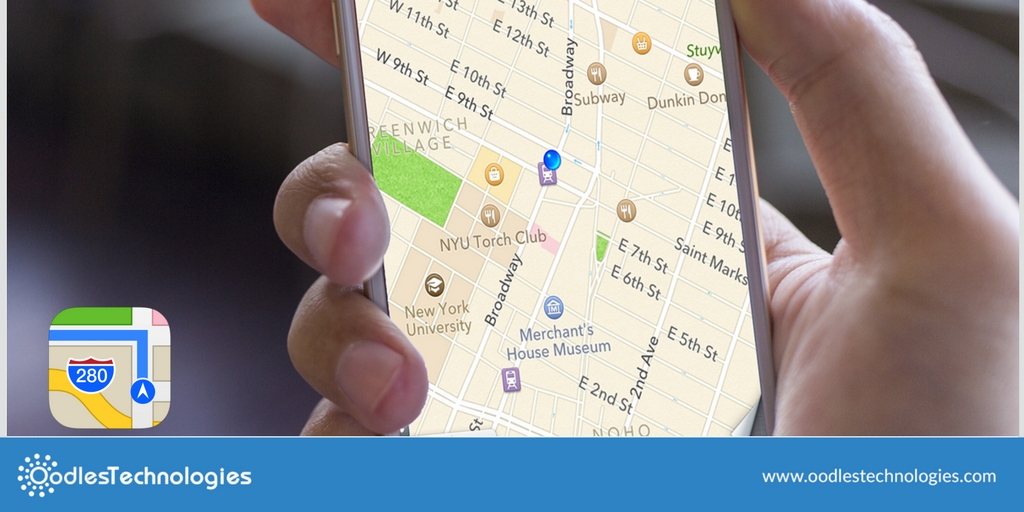
Apple has launched a new feature to its maps app for Paris. This app will prove to be the most useful feature, as it will ease the navigation task. It will help users to see all the stops for specific destination, you can find bus traces, subway and also route suggestions. Apple maps also allows you to calculate itineraries. You can find all the lines leaving the stations when you tap on a station. Apple maps are far better than the google maps as it has few feature which even google maps doesn't have. Apple map works best with apple watch. Apple watch gives you the indication when you have to turn left or right through vibration. This is really cool! Isn't it? You can now keep your phone in pocket and can travel easily.
How to highlight stops?
Through this feature, you can now check out different destinations when you are roaming in the city. For that, you need to:
-
First, launch maps from your Home Screen.
-
After that, you need to pull out directions to the desired destination and then simply tap on transit mode.
-
Press a stop button on the selected transit line
-
Click on the stop name.
-
You can also see other transportation activities
-
Next, see other transportation activity at the top by scrolling down.
-
Apple maps makes it easier for you to see next three arrival times and when these transit lines run.
Also Read: Meet Ada Your Personal Health Companion App
You can find out what people are saying about a specific stop on a particular transit line. This comes handy when you are in a new location and you have no idea about that place. This feature includes pictures and reviews of previous people who have visited that place before. You have to launch Maps, then pull out directions to the desired destination. Press transit mode and then stop icon on the chosen transit line. Scroll downwards until you see the photos.
You can even filter out transit directions. So it's totally upto you how you wanna go. You can choose from various options like subway, bus, ferry or even train. It is easily done by Launching Maps. Then, Pull out the Directions for the desired destinations. Click on the transit mode and simply drag the transit direction card up. Choose the transit vehicle for the route suggestions.


Cookies are important to the proper functioning of a site. To improve your experience, we use cookies to remember log-in details and provide secure log-in, collect statistics to optimize site functionality, and deliver content tailored to your interests. Click Agree and Proceed to accept cookies and go directly to the site or click on View Cookie Settings to see detailed descriptions of the types of cookies and choose whether to accept certain cookies while on the site.















About Author
Vidushi Vij
Vidushi is a digital marketing professional. She work on SEO, SME, SMO, Content writing. She like listening to music and exploring new places.