How to implement Social Signup with twitter in Spring Boot
Posted By : Surbhi Gupta | 26-Aug-2017
1. First of all we need to create an account on https://apps.twitter.com and then Create New app in twitter developer account.
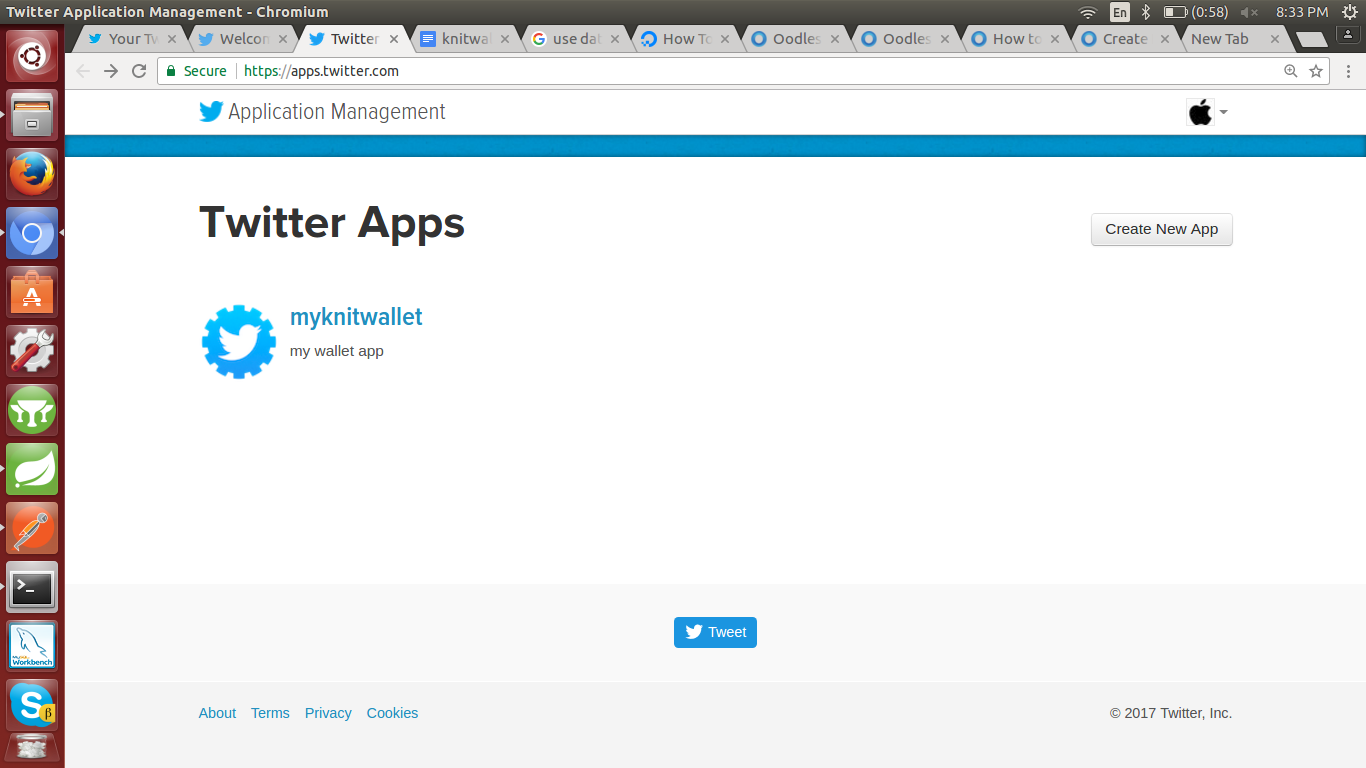
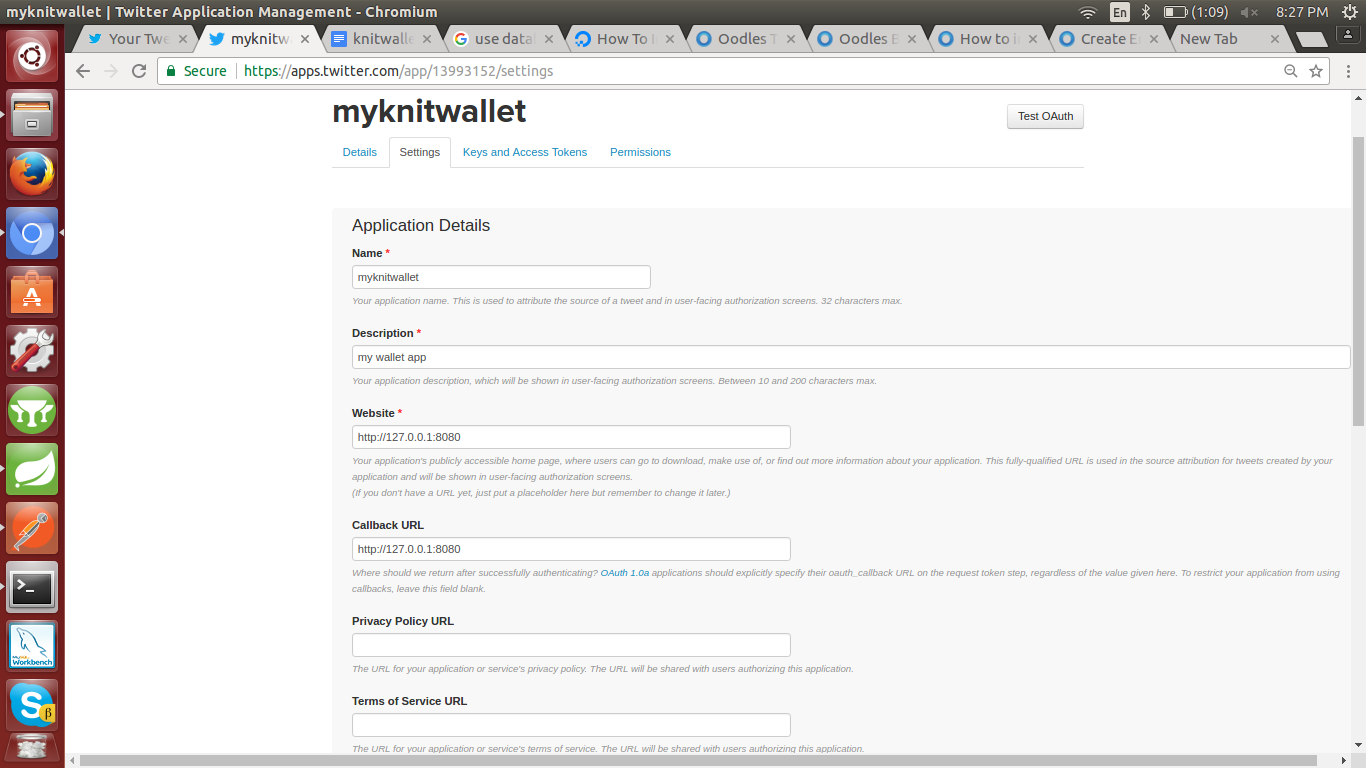
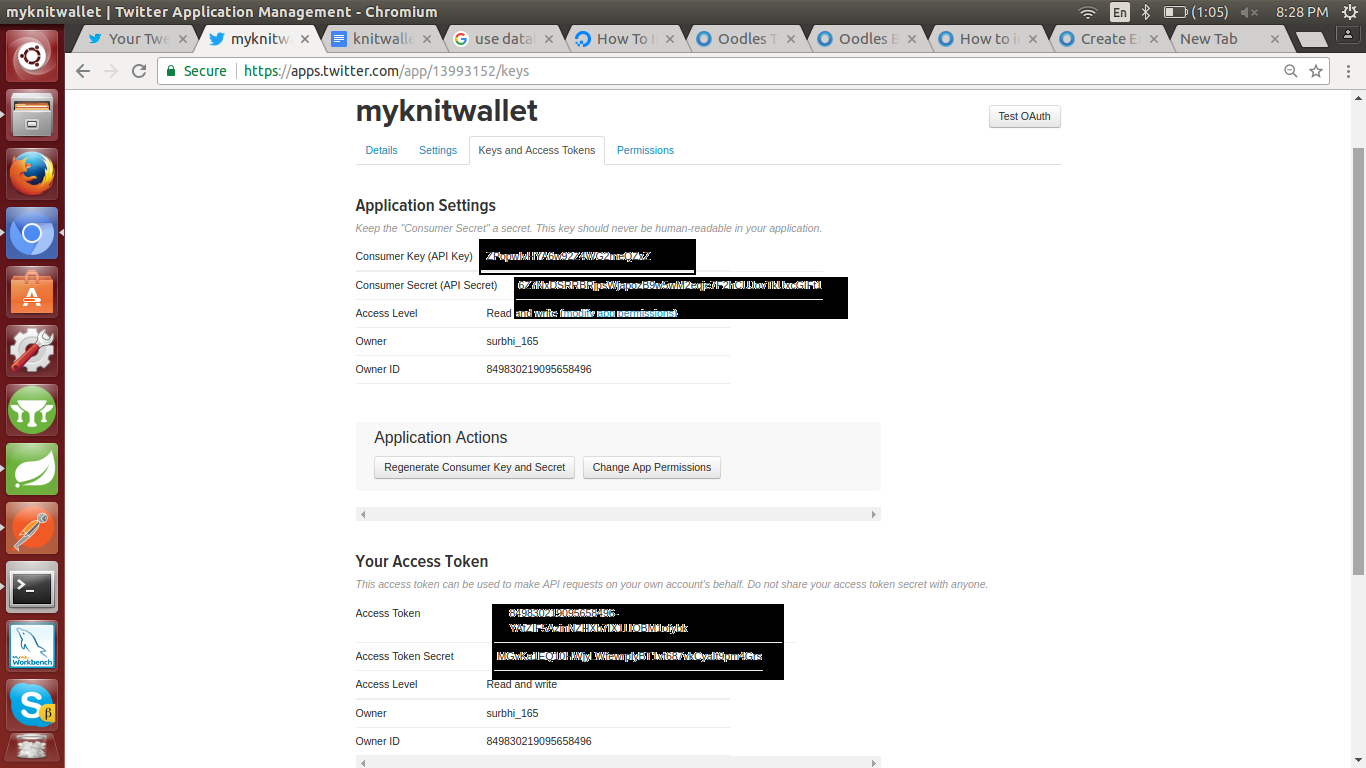
2. After that you will get App Id and App Secret
2. Integrate Twitter Dependencies in pom.xml file
           org.springframework.boot
           spring-boot-starter-social-twitter
3.Integrate Twitter Credential in app.properties
           spring.social.twitter.appId=
           spring.social.twitter.appSecret=
4.Integrate Twitter Signup Integration in your code
Get generated App Id ,App Secret,Consumer key & Consumer sceret from Key and Access Tokens tab in your created application. Set App Id ,App Secret,Consumer key & Consumer sceret in your appliction config file.package com.oodles.knitwallet.config.
4.1 TwitterConfig.java
import org.springframework.stereotype.S ervice;
import twitter4j.Twitter;
import twitter4j.TwitterFactory;
import twitter4j.conf.ConfigurationBuilder;
@Service
public class TwitterConfig {
    public Twitter twitterconfig(){
        ConfigurationBuilder cb = new ConfigurationBuilder();
        cb.setDebugEnabled(true)
        .setOAuthConsumerKey("ZPopwIvHYA6w92Z4WG2meQZxZ")
        .setOAuthConsumerSecret("6Z7NxDSRRBRjpsWjapozB9w5wM2eqje7F2hCUJovTkUxcGIFt1")
        .setOAuthAccessToken("849830219095658496-YAtZIF5AzinNZHXb7IX1LIOBM1ofybk")
        .setOAuthAccessTokenSecret("MGvKa1EQ10HWjyLWfewrplyBT1vt687vkCyaIt9pm4Grs");
         TwitterFactory tf = new TwitterFactory(cb.build());
         Twitter twitter = tf.getInstance();
        return twitter;   }
}
4.2 Create Twitter Controller TwitterController.java
public class Twittercontroller {
@Autowired
private UserService userService;
@Autowired
UserRepository userRepository;
@Autowired
private MessageService messageService;
/*This method is used to validate twitter token
* @param socialAuthToken
* @param userDetail
* @return boolean
* @throws IOException
* @throws AuthenticationException
*/
@RequestMapping(value = UrlMapping.TWITTER_LOGIN, method = RequestMethod.POST)
ResponseEntity
4.3 Create Service Class Twitter Service
public String twitter_login(User userr) throws InvalidIdException
     {
         String token=null;
        if(userRepository.findBytwitterId(userr.getTwitterId())==null){
       //configuration of twitter api
            Twitter twitter=TwitterConfig.twitterconfig();
             try {
                   Long id = twitter.getId();
                   System.out.println("id is "+id);
                   if (id.equals(userr.getTwitterId()))
                   {  UserServiceGeneralise.User_Record(userr);
                       token = UserServiceGeneralise.Verification_Registration(userr);

                   } else
                   {
                       throw new InvalidIdException(messageService.getMessage(Message.USER_Id_ERROR));
                   }

             }
             catch (TwitterException e) {
                // TODO Auto-generated catch block
                e.printStackTrace();
            }
             return token;
        }else  {
             token=UserServiceGeneralise.Verification_Auth(userr);
             return token;
        }
   }
5.Run API On Postman
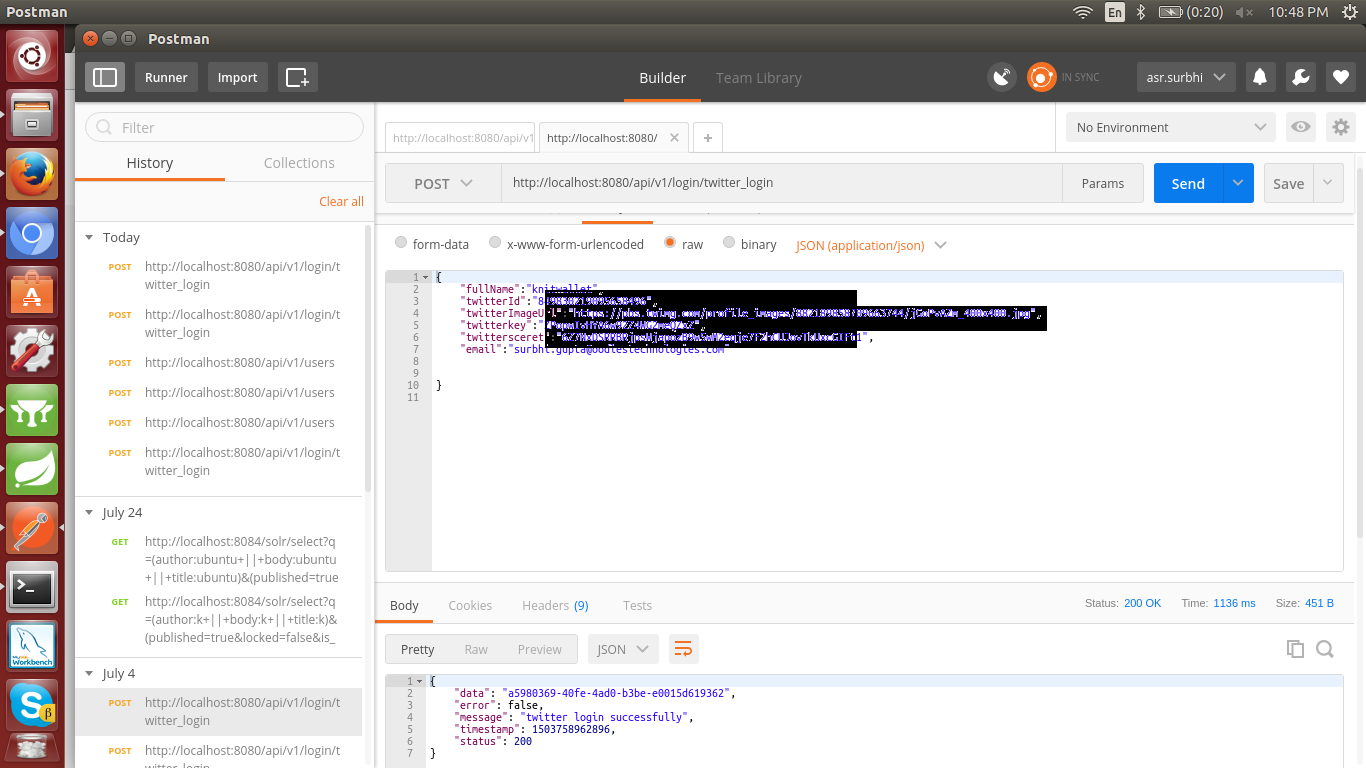
Thanks


Cookies are important to the proper functioning of a site. To improve your experience, we use cookies to remember log-in details and provide secure log-in, collect statistics to optimize site functionality, and deliver content tailored to your interests. Click Agree and Proceed to accept cookies and go directly to the site or click on View Cookie Settings to see detailed descriptions of the types of cookies and choose whether to accept certain cookies while on the site.















About Author
Surbhi Gupta
Surbhi is a Java Developer and a simple ,straightforward, friendly person. She loves to work in a challenging job.